Alrbea Times Assistant

Explains the system step by step

Hi 👋 I'm the Alrbea Times assistant. Ask me anything: installation, settings, changing the design, Ramadan, or ordering.

Answers from the user guide and system features. Need a person? WhatsApp

Features in detail

Every feature here really exists in the Alrbea Times app, with the same names.

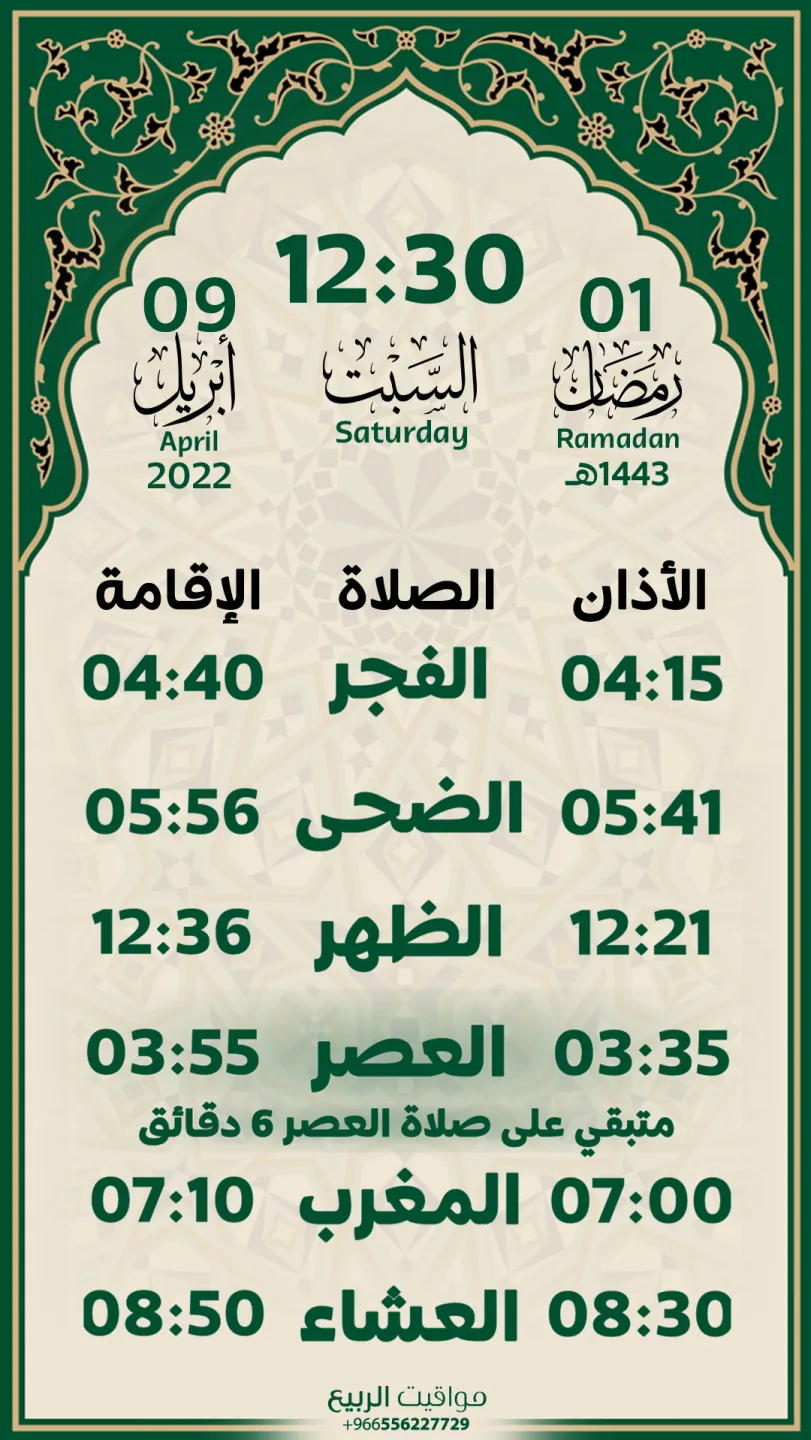
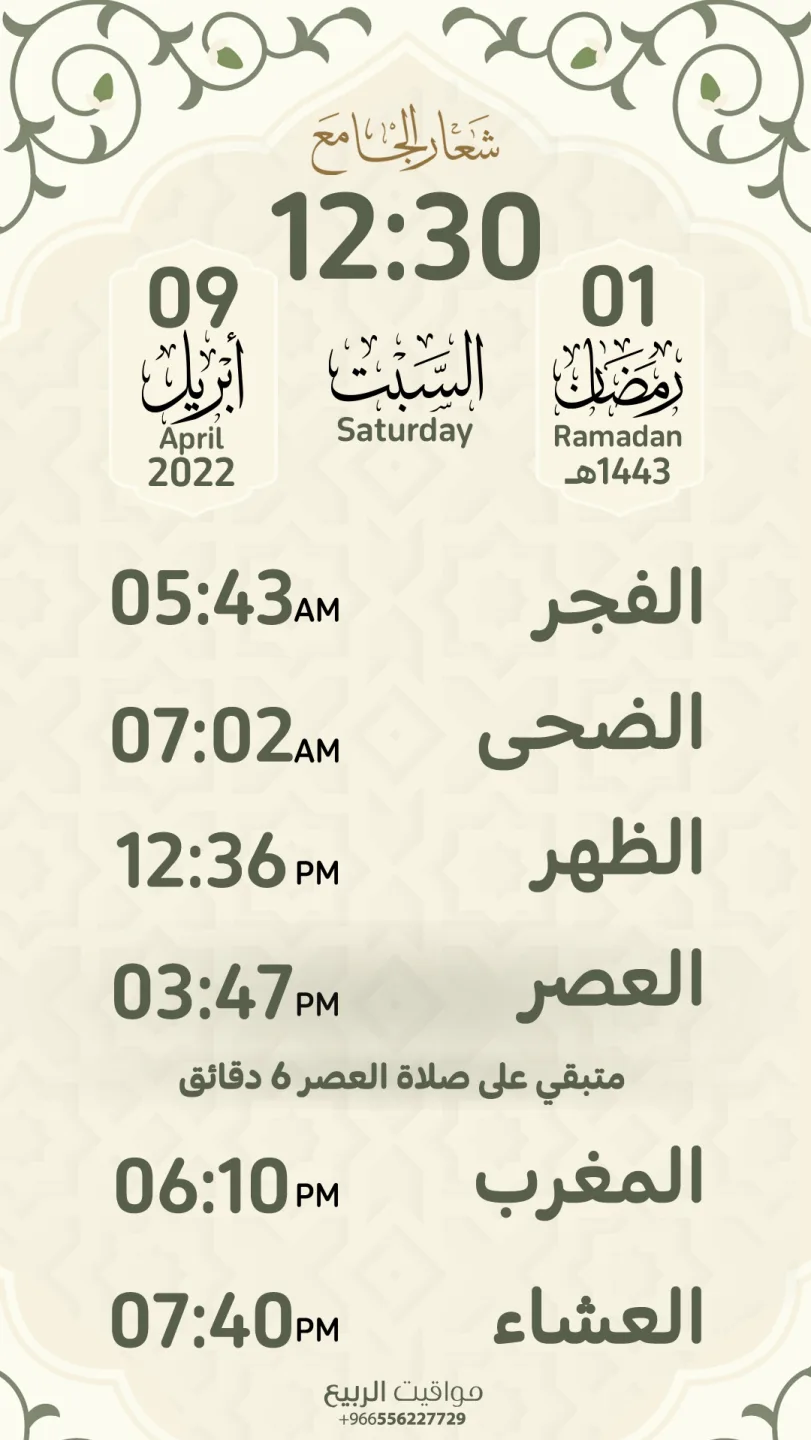
An Alrbea Times screen design

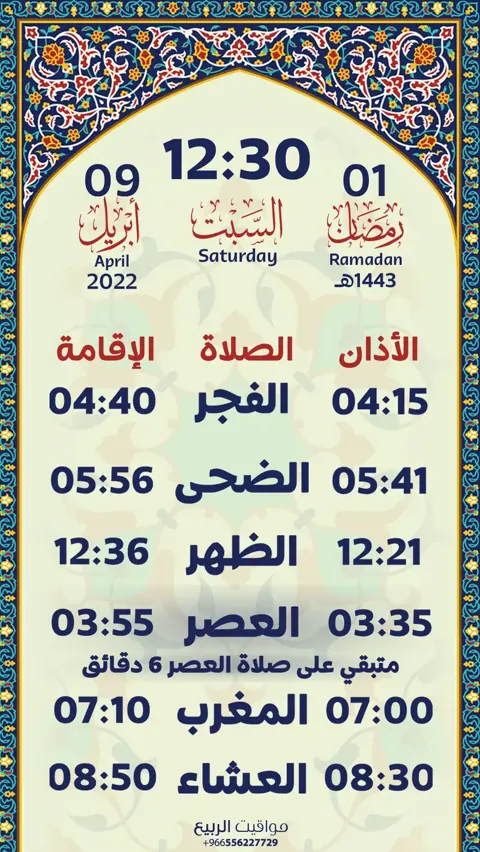
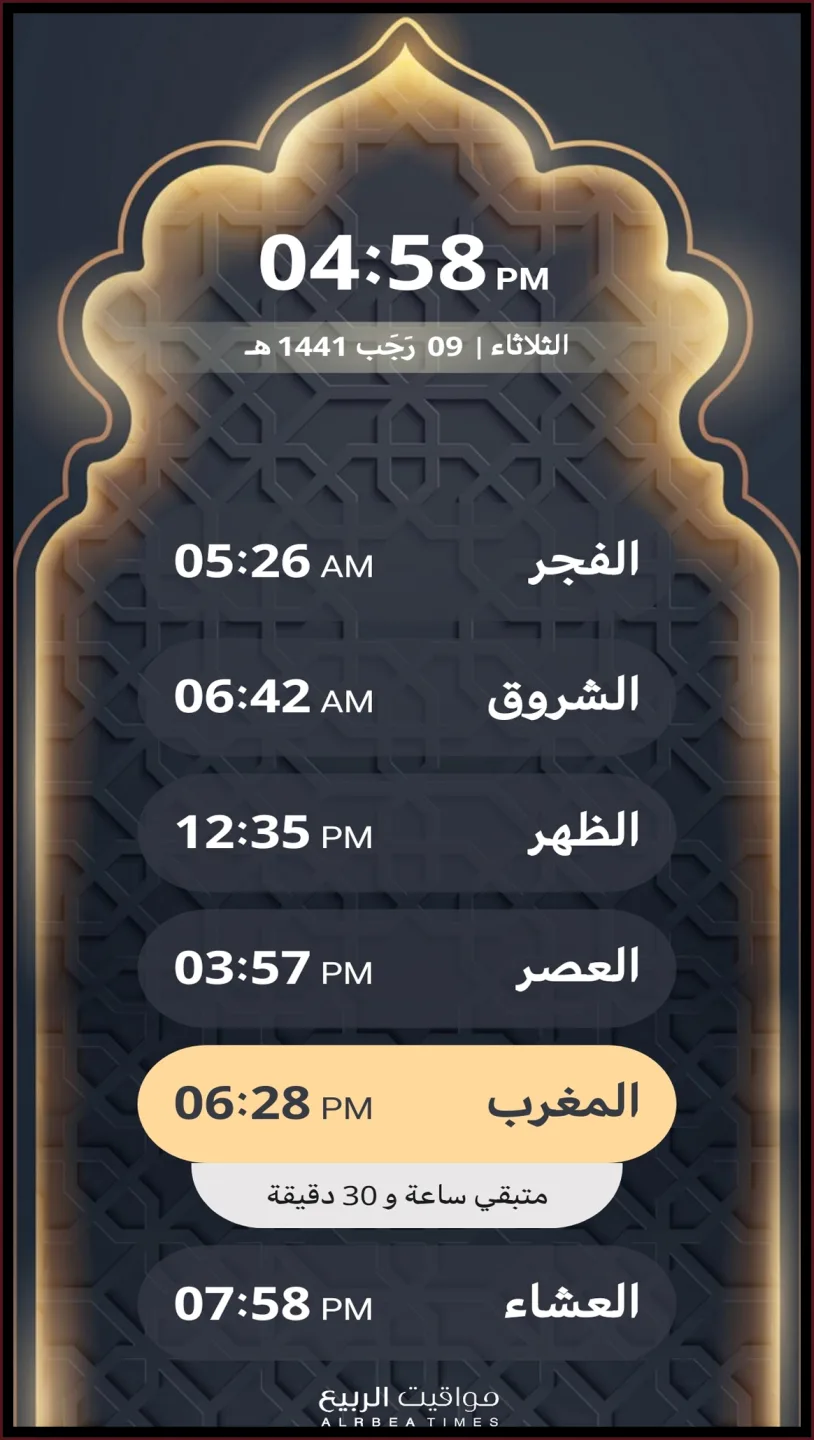
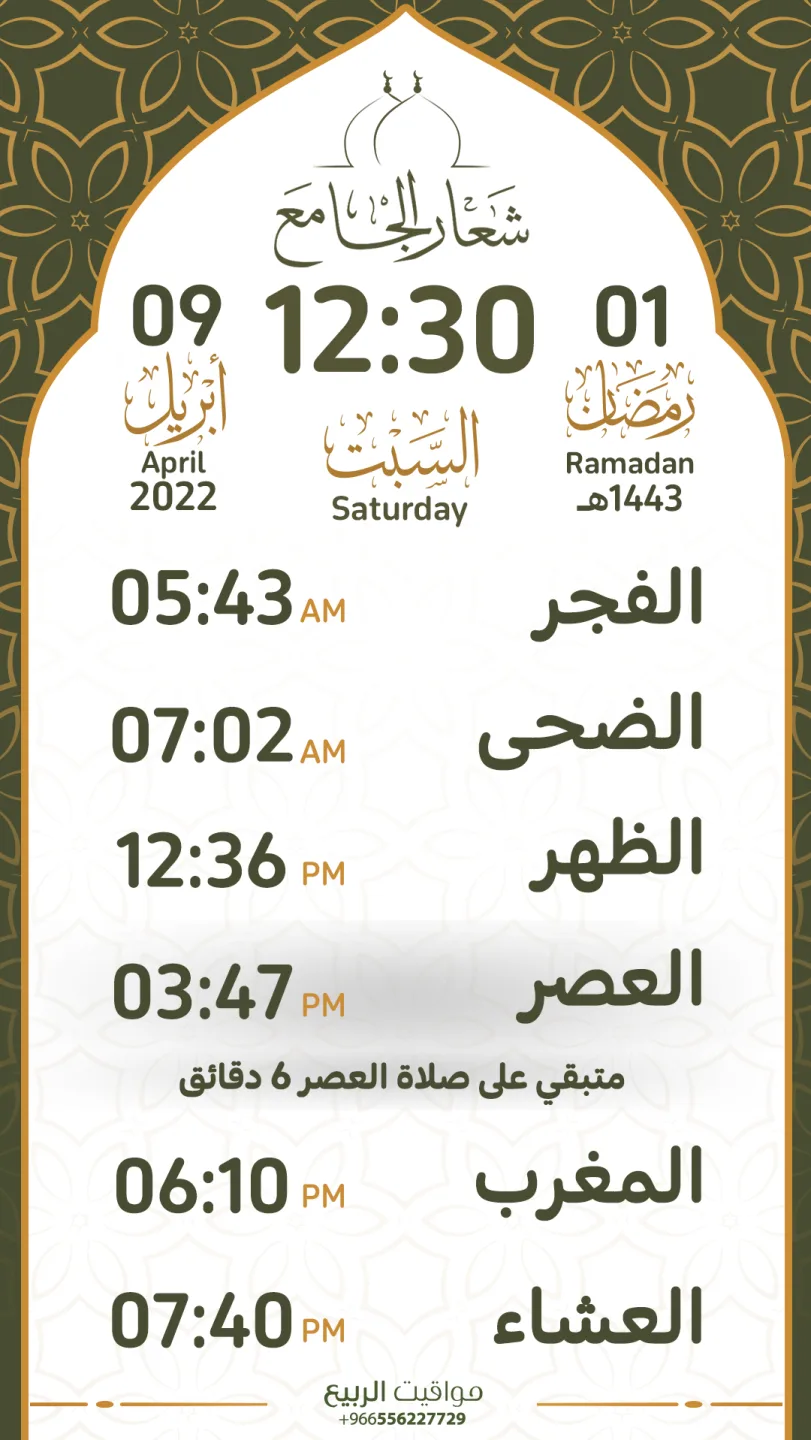
Prayer & iqama times

  • Prayer time calculationAutomatic by your location, or Umm Al-Qura, Muslim World League, Egyptian Authority, Kuwait, Qatar, Gulf region, Turkey, Singapore, Karachi, North America, France and Russia.
  • Custom calendar & prayer time adjustmentAdjust any prayer time manually when needed.
  • Prayer time announcementShows a prayer-time announcement for four minutes after the adhan.
  • Time between adhan and iqamaIn minutes for each prayer, or a fixed iqama time.
  • Iqama announcement durationSet how long the iqama announcement stays on screen.
  • Time taken to perform the prayerWith the screen locked during the prayer.
  • Sunrise & DuhaDuha announcement a quarter hour after sunrise, showing Duha, sunrise, or alternating.
  • Last third & midnightAlert for the last third of the night and midnight.
  • Hijri date adjustmentTo match the official calendar.
  • Show iqama timesAnd show the iqama duration for each prayer on screen.
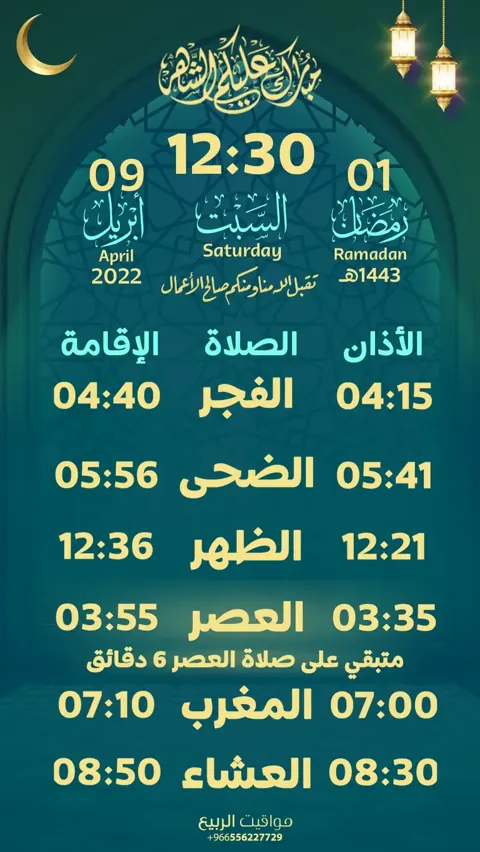
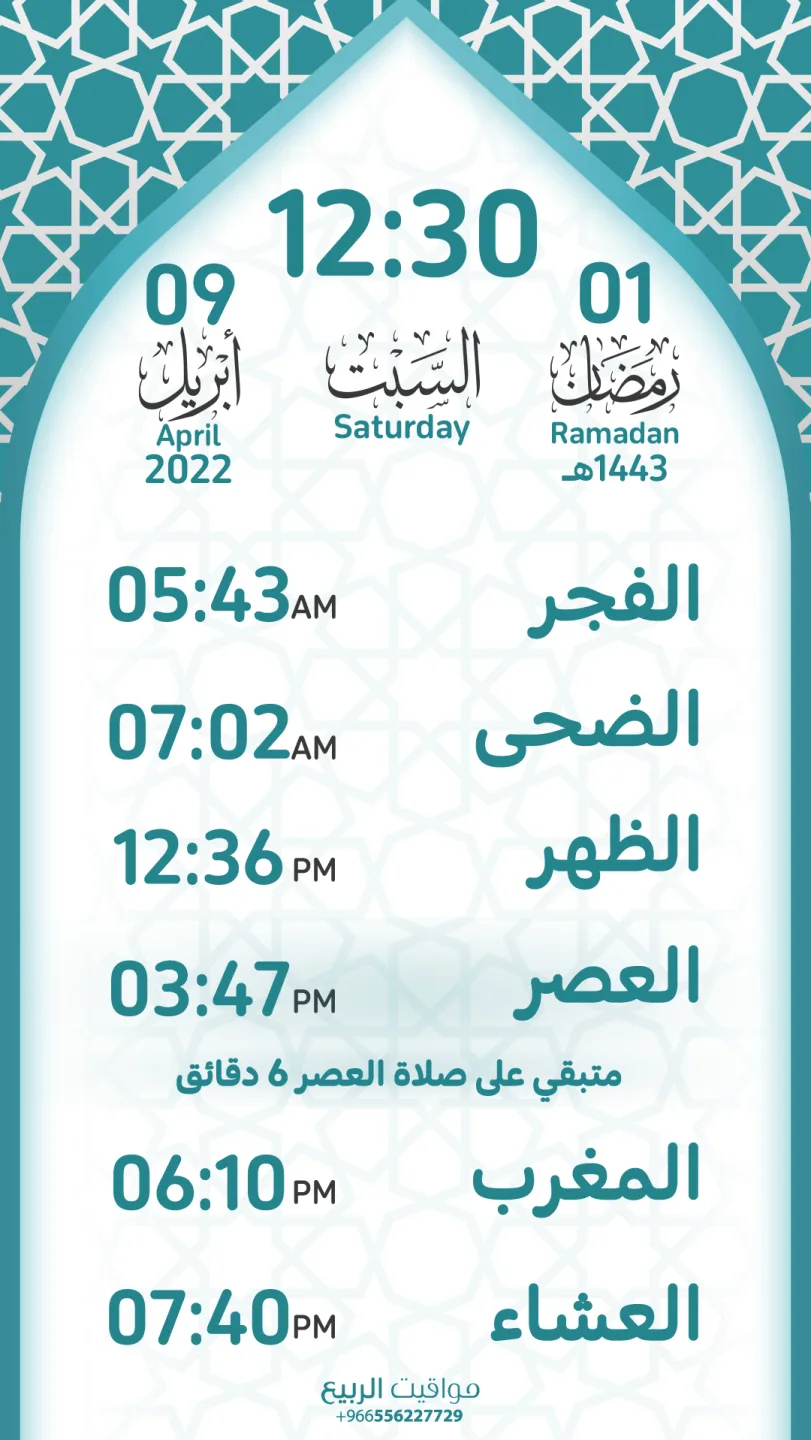
An Alrbea Times screen design

Friday & Ramadan

  • Ramadan settings for each prayerFajr, Dhuhr, Asr, Maghrib, Isha and Friday, plus Taraweeh and Tahajjud — each prayer has its own Ramadan setting.
  • Taraweeh prayerEnable the Taraweeh announcement and hide the prayer-times screen.
  • Tahajjud prayerEnable the Tahajjud announcement in the last ten nights.
  • Isha in RamadanAdd half an hour to Isha time, or adjust it.
  • Friday khutbahSet the khutbah start time and how long it takes.
  • Friday prayer with separate settingsFriday settings separate from Dhuhr.
  • Khutbah titleTyped and shown on the screen.
  • Friday FajrSet the time taken for Fajr prayer on Friday.
  • Photo gallery during the khutbahOptional: enable the photo gallery during the Friday khutbah.
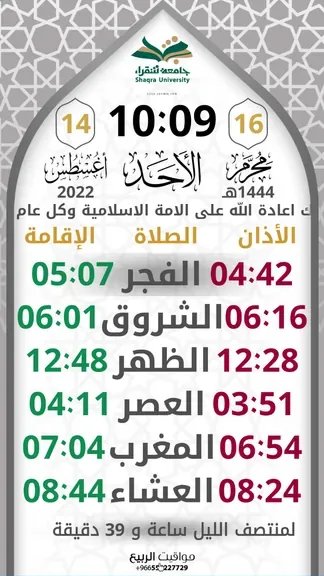
An Alrbea Times screen design

Iqama countdown style

Choose how the time left until iqama is shown after the adhan announcement, with a preview before saving:

CircularModern arcLED digitalTwo rings (minutes / seconds)Flip clockHourglassLiquidOrbital dotsBarsSquare
  • Seconds designShow seconds on the clock, choose their color, with a live preview.
  • App fontChoose the font for numbers and text.
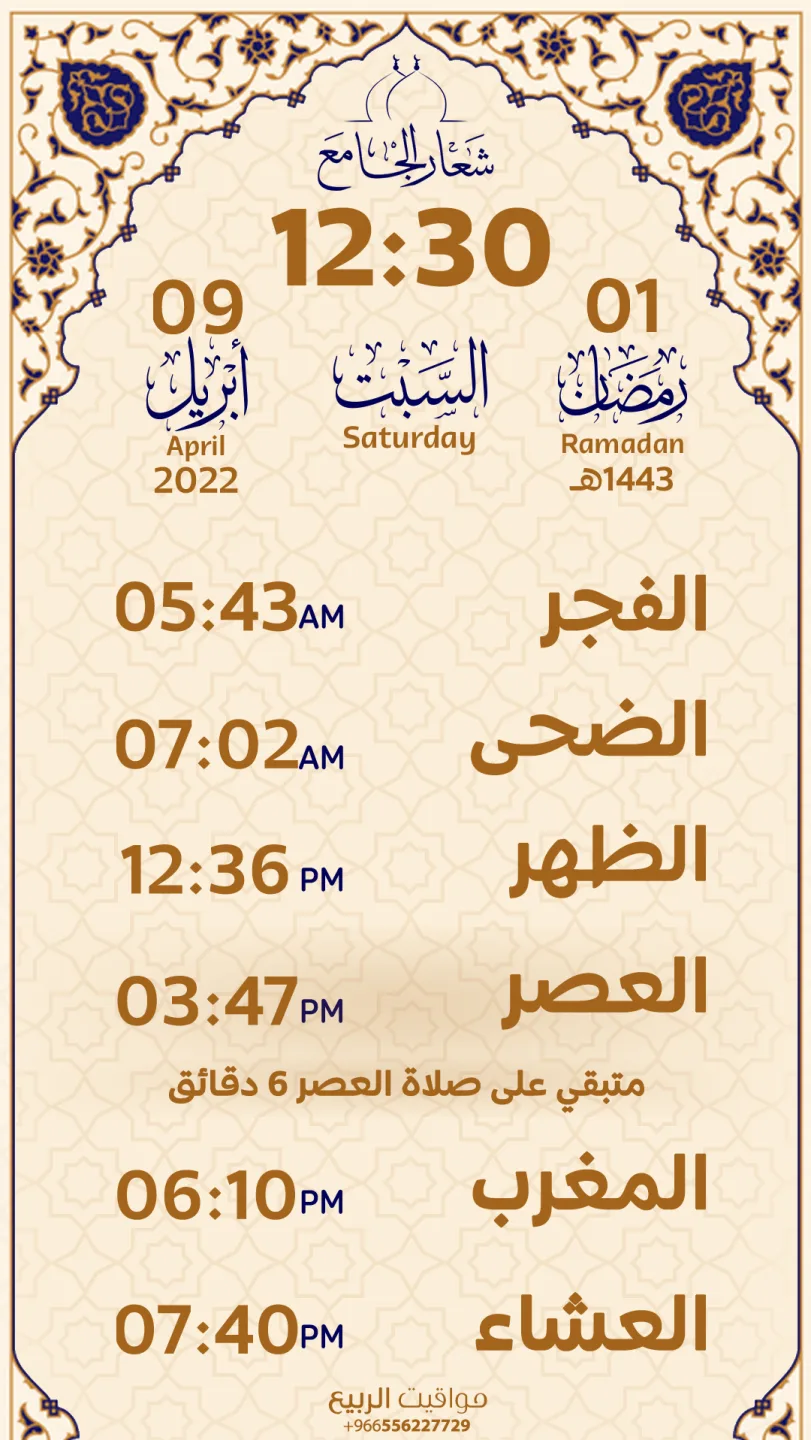
An Alrbea Times screen design

Templates & design

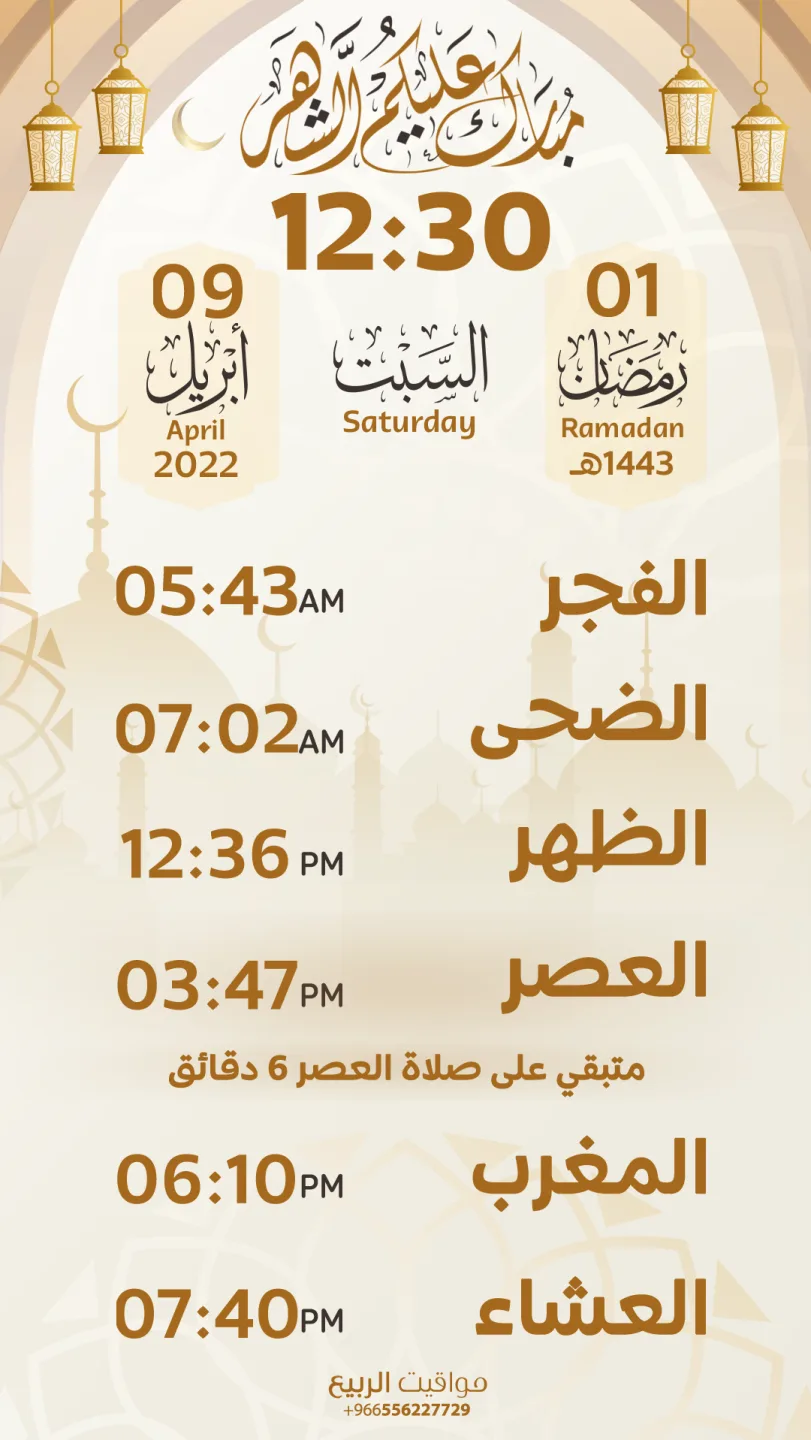
  • TemplatesA set of ready screen templates — choose and save.
  • Your own templateAdd your background, logo and colors, or ask us for a custom interface for an extra fee.
  • BackgroundsChange the screen background.
  • Logo behind the prayer tableChoose a logo image to appear behind the prayer-times table.
  • ColorsPrimary and secondary colors, or pick the color from the template.
  • Show a logo behind the prayer tableWith adjustable transparency.

Recommended image size to fill the screen: 1920 × 1080 for landscape and 1080 × 1920 for portrait.

An Alrbea Times screen design

Islamic content & announcements

  • Morning & evening adhkarA reminder before or after sunrise and sunset.
  • Post-prayer adhkarWith a set display duration.
  • Adhkar templatesTemplates that download and update — enable the ones you want.
  • HadithsEnable showing hadiths.
  • Photo galleryMultiple galleries, how long each photo shows, and optionally between adhan and iqama. The gallery closes when prayer time begins.
  • News tickerScrolling or static, at slow, normal or fast speed — easy to read from a distance.
  • Funeral noticesReady messages: “… will be held right after the prayer”.
  • Ready texts & messagesTo write announcements faster.
  • Events & occasionsAdd seasonal events and occasions and show them on the prayer-times screen.
An Alrbea Times screen design

Display mode

Automatic screen saver and sleep mode.

  • Screen lookA black screen, or black with the time and date.
  • Information shown & sizeTime, or time and date; small, medium or large.
  • During prayersRuns during prayer time.
  • Between prayersFrom the end of one prayer until the next, with start and stop minutes.
  • Time intervalsOn for a while, then off for a while, repeatedly.
  • Repeating scheduleOn for a number of minutes, then off for a number of minutes, repeatedly.
  • Fixed periodFrom a start time to an end time, even past midnight.
  • After inactivityStarts automatically after the number of minutes you choose.
An Alrbea Times screen design

Alerts & sounds

  • Adhan soundsA beep, takbeer only, or a full adhan by muezzins from Saudi Arabia, Kuwait, Egypt, Sudan and Yemen, or a custom sound — with a preview before choosing.
  • Adhan & iqama alertsTurn each on or off separately.
  • VolumeA beep at the level you choose.
  • Silent-phone reminder“Please put your phone on silent.”
An Alrbea Times screen design

Sync & device

  • Remote support toolsInstall TeamViewer or AnyDesk from settings with one tap, so support can access the device when needed.
  • SyncSync settings.
  • BackupBack up settings to the cloud and restore whenever you need.
  • In-app updatesCheck, download and install the new version.
  • LocationAutomatic via network and GPS, or set once.
  • USB temperatureShow the temperature on screen with a USB sensor, in Celsius or Fahrenheit.
  • Restart & resetFrom the main menu.
An Alrbea Times screen design

General settings

  • App display languageArabic or English.
  • Screen orientationLandscape, portrait, or reverse portrait.
  • Time digits format0123456789 or ٠١٢٣٤٥٦٧٨٩.
  • Time indicator formatAM-PM or ص-م.
  • Date displayHijri, Gregorian, or both.
  • Date on the adhkar screen and photo galleryEnable or disable for each.

Try it in your mosque